Pay by QR Code
Scan to Pay,
Instantly
Generate a QR code that links directly to your account. Display it anywhere — customers scan and pay in seconds, no app required.
Try it out
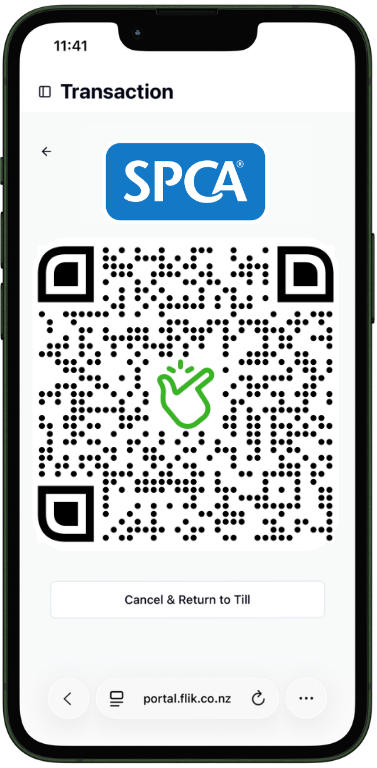
Scan to donate to the SPCA
Pay by QR Code
Generate a QR code that links directly to your account. Display it anywhere — customers scan and pay in seconds, no app required.
Try it out
Scan to donate to the SPCA
Overview
Pay by QR Code lets you generate a unique QR code linked to your Flik account. Display it at your counter, on a table, in your shop window, or attach it to an invoice — customers scan and the payment goes straight to your account.
It's the fastest way to accept in-person payments without hardware. No card terminal, no cash, just a scan.
How It Works
Log in to your Flik dashboard and generate your unique QR code. Link it to your account and set a display name for payers.
Print your QR code and place it at your checkout, on a table, in your shop window, or attach it to an invoice — wherever customers will see it.
Customers scan the QR code with their phone camera, enter the amount, and confirm. Funds land directly in your account. You're notified instantly.
Benefits
Accept in-person payments without a card terminal. All you need is a printed or displayed QR code.
Payments go straight from the customer's bank to yours — no intermediary holding your money.
Customers pay in seconds using just their phone camera. No app to download, no card to tap.
Print it, display it digitally, or embed it in an invoice. One QR code works across all your channels.
Get notified the moment a payment is confirmed. Track every transaction in your Flik dashboard.